Google releases free 'Google Earth' flight simulator
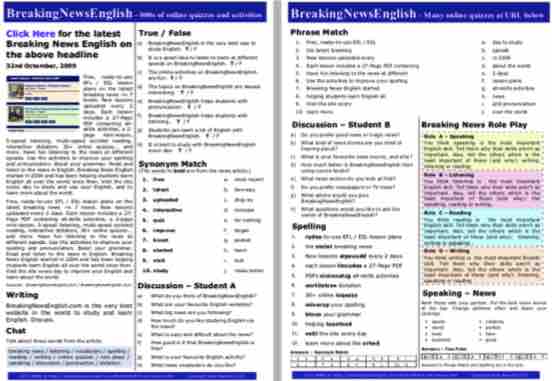
Try easier levels of this lesson: Google Earth - Level 0, Google Earth - Level 1 or Google Earth - Level 2.
Download the 27-page lesson | More mini-lessons
Try easier levels of this lesson: Google Earth - Level 0, Google Earth - Level 1 or Google Earth - Level 2.
Download the 27-page lesson | More mini-lessons
The reading
Google has announced it will make a flight simulator available to the public. The simulator has existed since 2007, but has only been on the desktop version of Google Earth. People had to download the program and install it on their desktop. The new version will be browser-based. Anyone can now access the flight simulator on a web browser, without having to download or install anything. On its website, Google said: "The flight simulator is designed for casual exploration rather than high-fidelity aerodynamic training." You will be able to fly all over the world using Google's map technology. Google said users may experience issues "when flying near ground level in regions below sea level".
To use the flight simulator, you will have to open the Google Earth website and click on the "Explore Earth" button in the top right corner. This will take you to a page showing a picture of Earth set against the black of space. You can then choose where in the world you want to fly to, from, or around by typing your desired location in the search bar. To start flying, you need to click on "Tools" in the menu bar and then select "Flight simulator" from the drop-down menu. The controls are shown on Google's developer website. CNET.com wrote: "Google Earth's flight simulator has access to the entire Google Earth database, so you can fly to almost anywhere on Earth and check out various landmarks."
Sources:
Make sure you try all of the online activities for this reading and listening - There are dictations, multiple choice activities, drag and drop activities, sentence jumbles, which word activities, text reconstructions, spelling, gap fills and a whole lot more. Please enjoy :-)
This useful resource has hundreds of ideas, activity templates, reproducible activities for …
and a whole lot more.